

Features of Microsoft Clipchamp
Intuitive Timeline-Based Editor
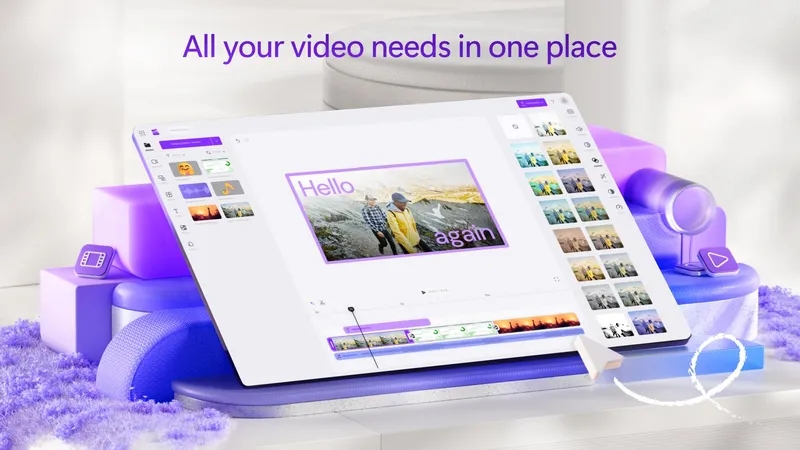
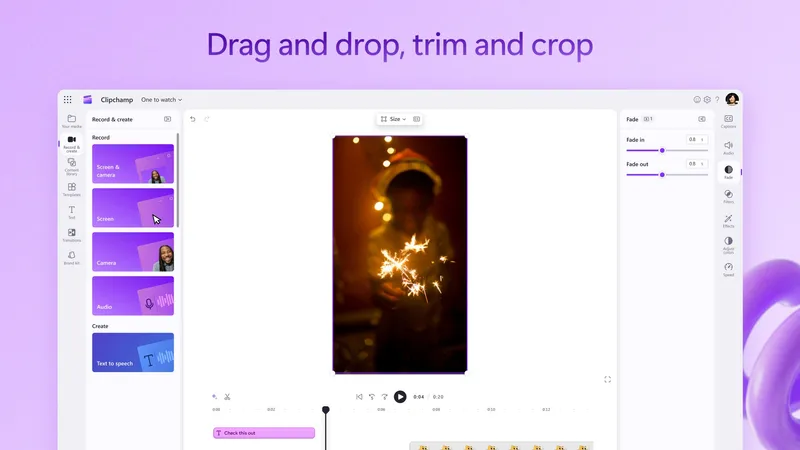
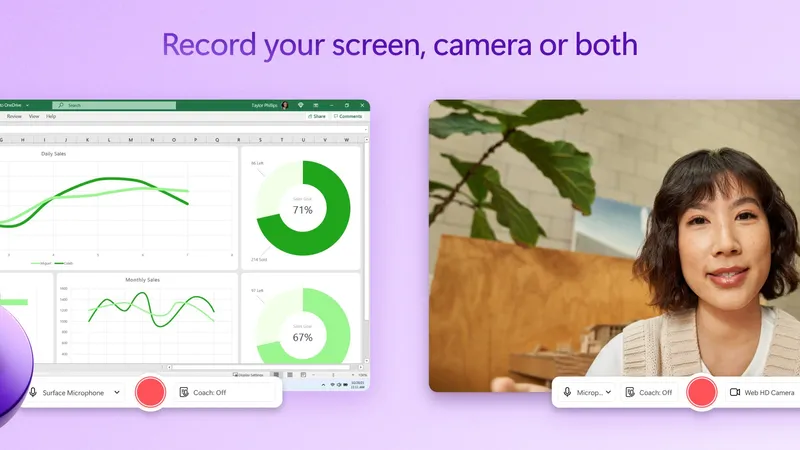
Clipchamp's drag-and-drop timeline lets first-time editors produce polished videos within minutes, with trimming handled by simply dragging clip edges and real-time preview updating as you make changes. Multiple video and audio tracks stack vertically, making it straightforward to layer background music under narration or place title cards over main footage. For content creators who need to turn around social media clips or internal presentations quickly, the workflow is fast enough to complete a project in a single sitting.
AI-Powered Production Tools
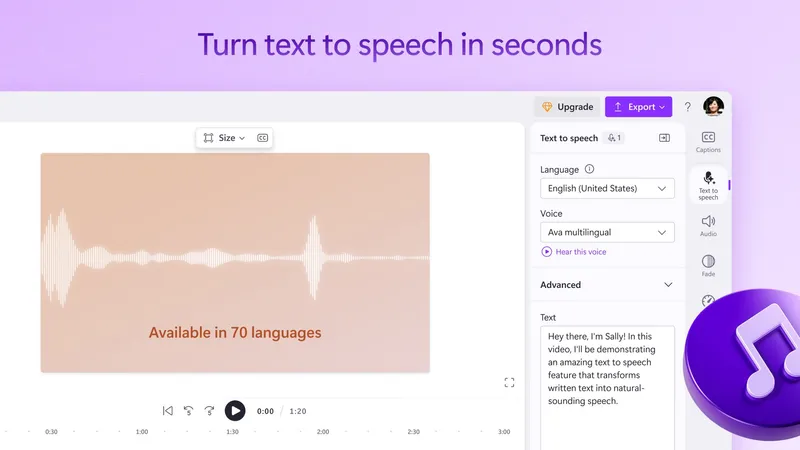
Auto-captions generate synchronized subtitles in over 140 languages by analyzing the audio track, saving hours of manual timecoding that captioning traditionally requires. The text-to-speech engine offers 170 AI voices across more than 70 languages, enabling professional voiceovers without a microphone or recording setup. Auto compose can take a collection of clips and intelligently assemble them into a coherent short video, selecting highlights and pacing cuts to music automatically.
Stock Library & Multi-Platform Publishing
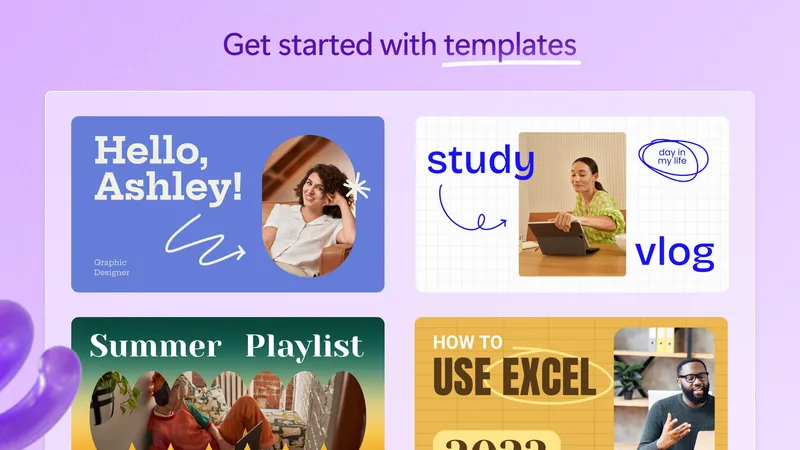
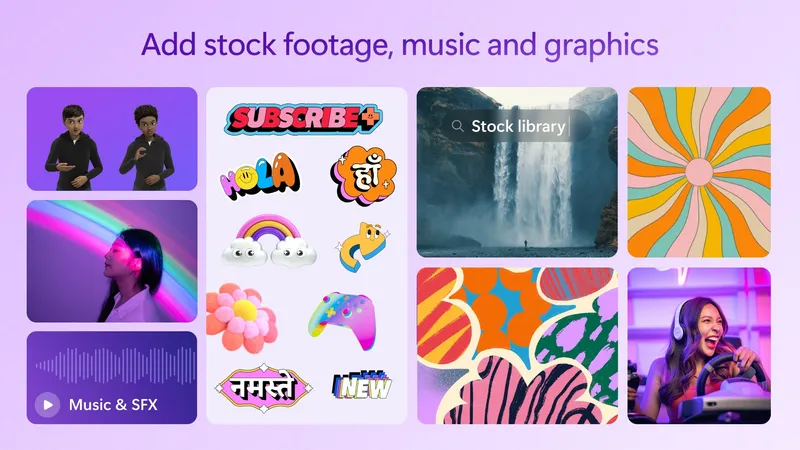
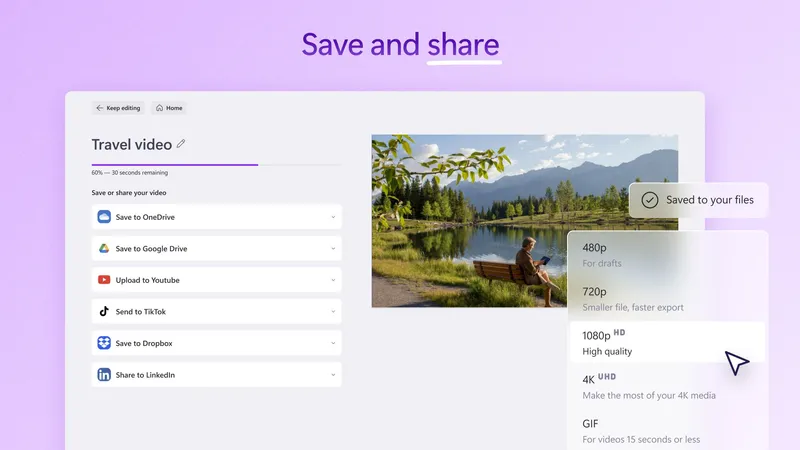
Millions of royalty-free video clips, music tracks, and sound effects are searchable directly within the app, providing raw material for projects even when you're starting with nothing. Designer-made templates for YouTube intros, Instagram reels, and product announcements give a polished starting point to customize rather than build from scratch. Finished videos publish directly to YouTube, TikTok, and LinkedIn without needing to download and manually re-upload through a browser.
Pros & Cons
- Beginner-friendly interface
- AI-assisted editing tools
- Direct social media publishing
- 4K export needs Microsoft 365
- Limited advanced color grading
- Watermark on free exports
Top Downloads for Windows