

Features of NVIDIA Control Panel
Granular 3D Graphics Settings
The NVIDIA Control Panel exposes GPU configuration options that have no equivalent in Windows' native display preferences, including anti-aliasing mode, texture filtering quality, shader cache size, and power management behavior. Settings can be applied globally or on a per-application profile basis, letting you fine-tune the visual quality versus performance trade-off for each game independently. Anisotropic filtering and ambient occlusion adjustments made here often produce noticeably sharper, richer results than identical options set within the game itself.
Display Configuration & Color Calibration
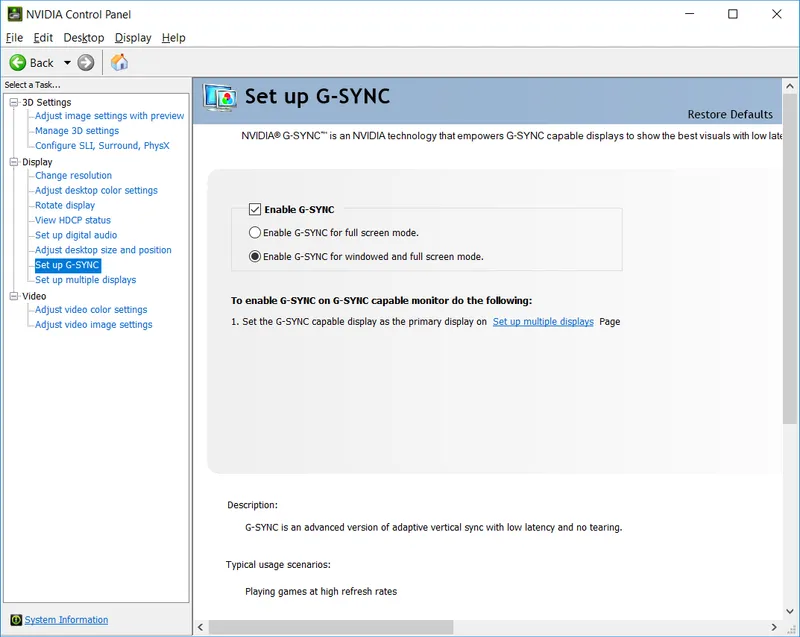
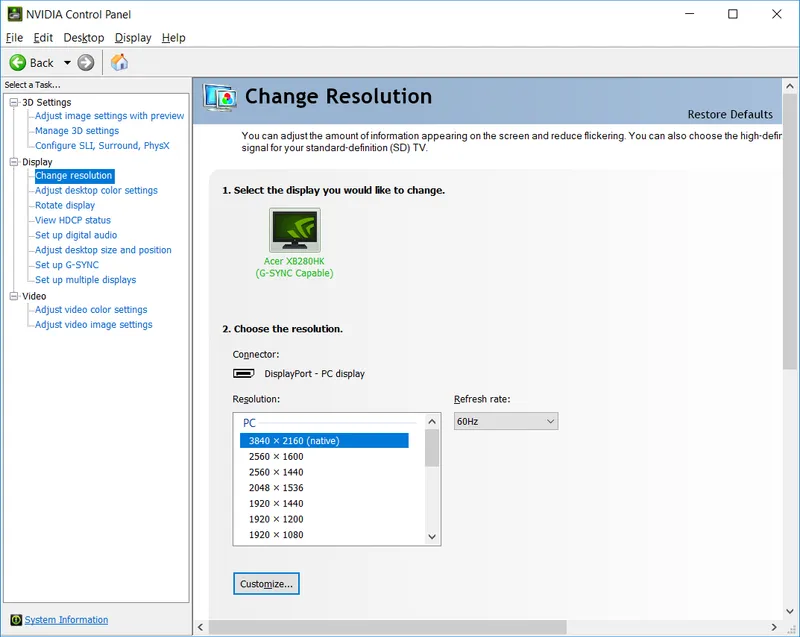
Custom resolution creation, precise refresh rate selection, and output color format control are all managed here for setups that Windows display settings don't fully expose. G-SYNC configuration for compatible monitors and HDR tone mapping calibration for connected displays are also handled through this panel. Digital vibrance adjustment and gamma correction apply at the driver level, affecting all output uniformly rather than only within specific applications.
Low Latency & Driver-Level Performance Tools
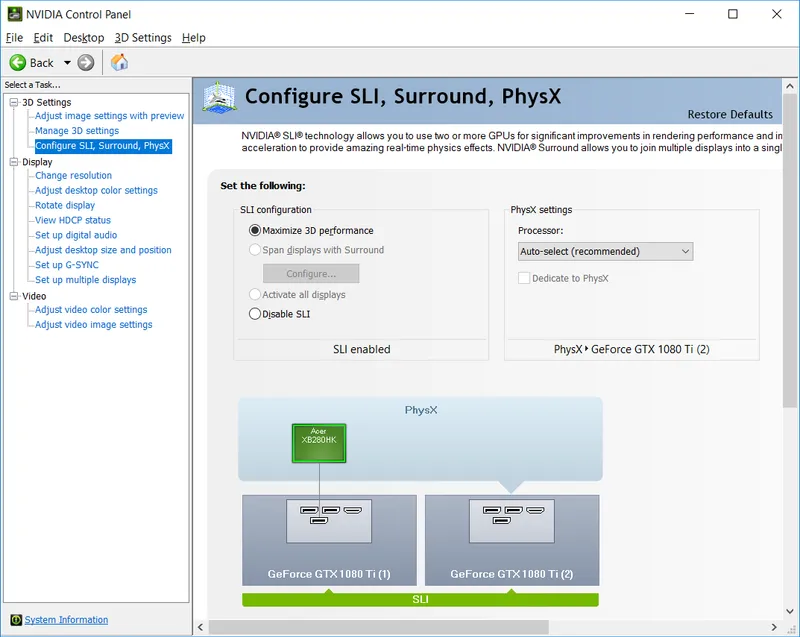
Low Latency Mode limits the pre-rendered frame queue at the driver level, reducing input lag in scenarios where responsiveness matters more than maximum throughput — a technique competitive players have relied on for years. Frame rate limiter settings, when paired with G-SYNC, prevent the GPU from rendering far ahead of the display's refresh cycle, further tightening input response. PhysX processor assignment control lets a secondary GPU handle physics simulation, unlocking more detailed effects in supported games without taxing the primary card.
Pros & Cons
- Deep GPU customization
- Multi-monitor management
- Free with NVIDIA drivers
- Steep learning curve
- Dense settings interface
- Requires NVIDIA hardware
Top Downloads for Windows


