

Features of Debian
Full Linux Environment via WSL
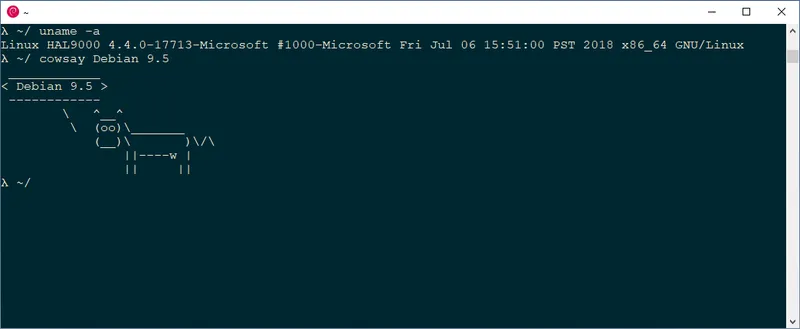
Running Debian on Windows through WSL2 provides a genuine GNU/Linux environment with near-native performance, not an emulated compatibility layer. The apt package manager gives access to tens of thousands of packages covering development tools, scripting runtimes, database servers, and network utilities with a few simple commands. Filesystem integration means you can open and edit Windows files from within the Debian shell, making it ideal for workflows that mix Windows-native editors with Linux build systems.
Stable & Vetted Package Ecosystem
Debian's stable release undergoes rigorous testing before packages are approved, meaning software installed from the repository behaves consistently and predictably across machines. Security updates are backported from newer versions, patching vulnerabilities without changing underlying behavior in ways that could break compatibility. This conservatism makes Debian a trusted base for reproducible development environments and scripted deployments where stability matters more than bleeding-edge versions.
Long-Term Support & Governance
Debian stable releases are supported for years, making them a suitable foundation for projects that need to run without major disruptions to their dependency environment. The project's independence from any single corporation means release decisions are made by maintainers and community rather than commercial roadmaps. For developers who want a Linux environment that teaches transferable skills rather than distribution-specific quirks, Debian's mainstream position in the ecosystem makes it one of the most practical choices available.
Pros & Cons
- Access to apt package ecosystem
- Stable and well-tested packages
- Seamless WSL integration
- Command-line only interface
- Requires WSL enabled
- Slower package updates than Arch
Top Downloads for Windows